
How to Set Binance to Chinese Language and Start Trading: A Step-by-Step Guide

Binance is one of the largest cryptocurrency exchanges in the world, offering a wide range of trading pairs, futures, and spot trading options. For native Chinese speakers or traders who prefer an interface in Chinese, setting the platform to Chinese is essential for a smooth trading experience. This guide explains how to change the Binance language to Chinese and begin trading securely.
First, log in to your Binance account. On the desktop version, look for the language selector icon, usually located at the top right corner of the homepage. Click on it, and a dropdown menu will appear. Scroll down or search for “中文” (Chinese). Select either Simplified Chinese (简体中文) or Traditional Chinese (繁體中文) based on your preference. The interface will instantly switch to Chinese, making navigation and trading more intuitive.
If you are using the Binance mobile app, the process is equally simple. Open the app and tap on the “Account” icon at the bottom right. Then tap on “Settings” (设置). In the settings menu, find “Language” (语言) and tap on it. From the list, choose “中文” (Chinese). The app will reload in Chinese. After setting the language, you can proceed to fund your account and start trading.
Once the language is set, the next step is to deposit funds. In the Chinese interface, click on “钱包” (Wallet) and then “法币充值” (Fiat Deposit) or “数字货币充值” (Crypto Deposit). You can deposit USDT, BTC, ETH, or other popular cryptocurrencies. For beginners, depositing USDT (Tether) is often recommended because it is stable and widely used for trading pairs on Binance.
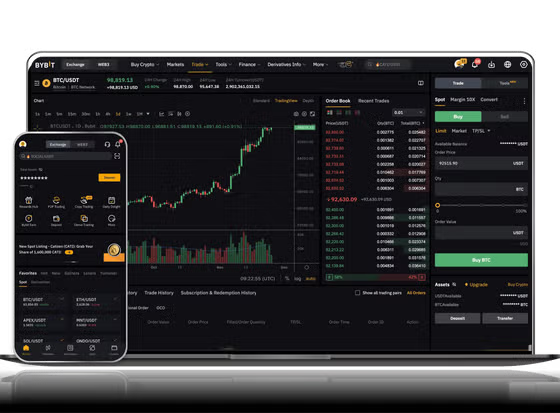
After funding your account, go to the “交易” (Trade) section. You will see options like “现货交易” (Spot Trading), “合约交易” (Futures Trading), and “杠杆交易” (Margin Trading). For most beginners, spot trading is the safest place to start. Click on “现货交易” and you will be taken to the trading interface. Here, you can select a trading pair, such as BTC/USDT. The left side of the screen shows the order book and price chart, while the right side allows you to place buy or sell orders.
To place a trade, choose between a “限价单” (Limit Order) or “市价单” (Market Order). A limit order lets you set a specific price, while a market order buys or sells at the current market price. Enter the amount you wish to trade and click “买入” (Buy) or “卖出” (Sell). Confirm the order and your trade will be executed.
Security is critical when trading on Binance. Even after setting the language to Chinese, ensure you have enabled two-factor authentication (2FA). Go to “安全设置” (Security Settings) under your account menu. Enable Google Authenticator and SMS verification. Also, avoid clicking on unknown links or sharing your API keys. Binance also offers a “防盗模式” (Anti-Phishing Code) feature to prevent phishing attacks.
Additionally, Binance provides educational resources in Chinese. Under “学院” (Academy), you can find tutorials on blockchain, trading strategies, and risk management. This is especially useful for new traders who want to learn while using the platform in their native language.
Finally, always start with a small amount. Practice using Binance’s “模拟交易” (Demo Trading) feature if available, or trade small amounts of USDT until you become comfortable with the interface. Setting the language to Chinese removes language barriers and allows you to focus entirely on your trading strategy. With a clear interface, proper security measures, and gradual experience, you can trade confidently on Binance.


发表评论